
You're standing in the dairy aisle and you can't remember if anyone bought eggs. Your partner says they texted you about it. Your housemate swears they wrote it on the fridge whiteboard. A good grocery list app solves this. Everyone adds to the same list, it updates on every phone, and when you tick something off in the store, the others see it too. The trouble is that there are a lot of these apps, and they're good at different things. This guide compares several popular options so you can pick one that suits how your household actually shops.

How we chose these apps
We looked for apps that do the basics well for a household rather than one person. Here's what mattered:
- Shared lists that sync. More than one person should be able to add and tick off items, and changes should show up on everyone's phone without any fuss.
- A tidy list in the store. A grocery list with categories, or at least a sensible order, saves you from walking back and forth across the store. Category handling varies a lot, so try it during a free trial before you commit.
- Fair pricing. We note how each app charges (subscription or one-time purchase) and what's free. Prices and ratings change over time and differ by country, so check the current App Store listing before you decide.
- What real users say. For each app we summarise themes from App Store reviews, both the praise and the complaints. Reviews reflect individual experiences, so treat them as things to check, not verdicts.
- iPhone availability. All of these run on iPhone, which is the platform this comparison focuses on.
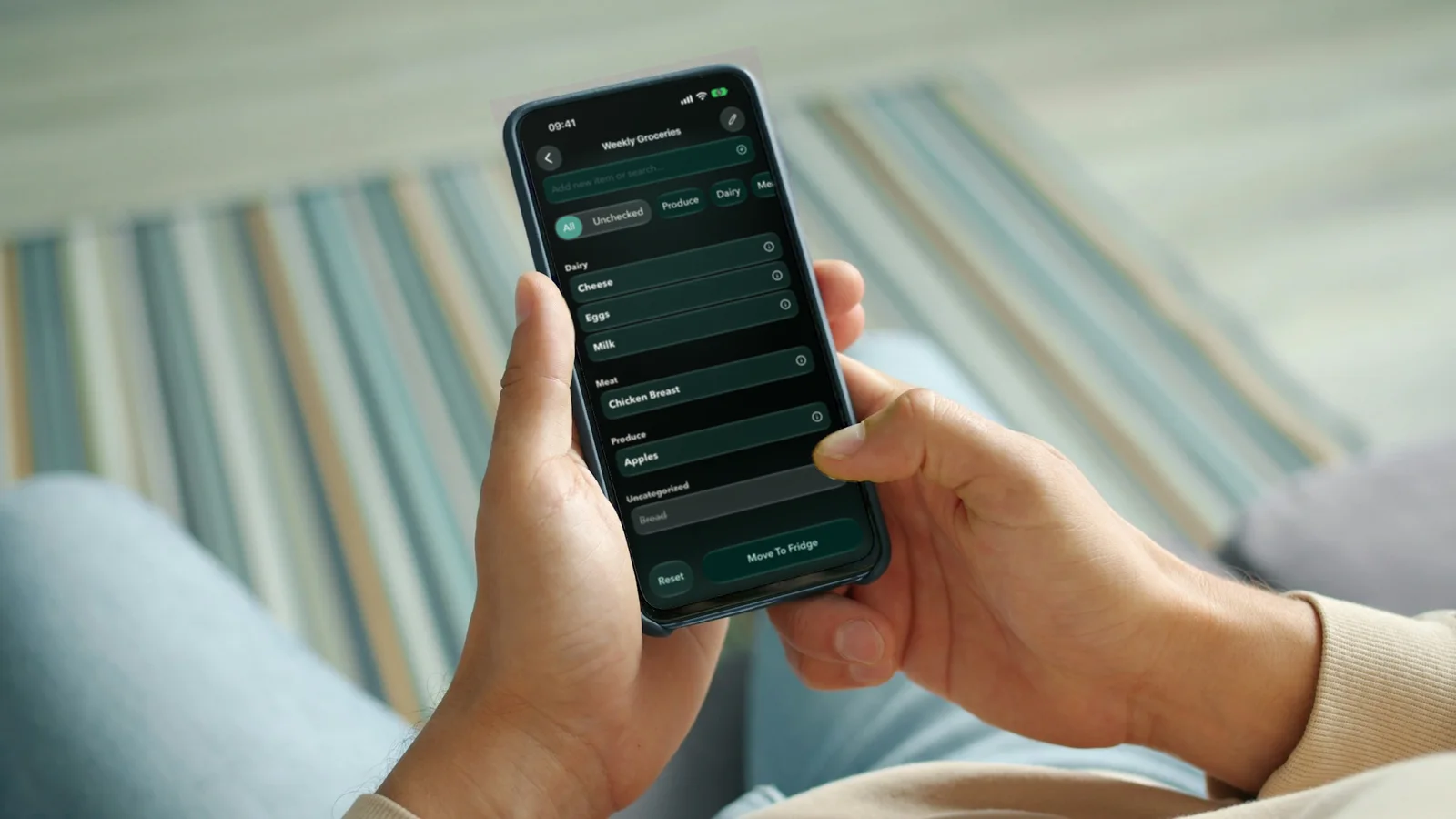
The best grocery list apps for shared lists
Listonic
Listonic is one of the most widely rated grocery list apps on the App Store. Premium is available as a yearly or monthly subscription or as a one-time purchase.
Who it suits: families who want quick list sharing and like seeing a running price total before they reach the checkout. Reviewers often mention how easy it is to share a list with family.
What to watch out for: the most common complaint in reviews is ads. Some users say ads appear even on premium, and some say ads have shown up as items on the list itself. If ads bother you, test the app for a week before paying.
AnyList
AnyList is highly rated by a large number of users, and its premium plan is a yearly subscription.
Who it suits: households that plan meals. Users like that they can import recipes, plan meals and turn them into a shopping list, and they praise the real-time family sharing.
What to watch out for: some reviewers say a Lock Screen widget they relied on was removed, and some report Apple Watch problems after an update. If you use your watch while shopping or rely on widgets, check that the current version supports what you need.
Shared Grocery List Organizer
Shared Grocery List Organizer is well rated, with yearly, monthly and one-time purchase options.
Who it suits: people who want a simple, no-frills shared list. Reviewers like how easy the lists are to use.
What to watch out for: reviews say list sharing now needs paid premium, and some mention an upgrade pop-up that covers the list and can't be dismissed. Since sharing is probably why you're here, check what the free version allows before you set everyone up.
Out of Milk
Out of Milk is well rated and offers a yearly premium plan.
Who it suits: people who want a simple list plus a basic pantry list. Users like that items can move from the pantry list to the shopping list when they run out.
What to watch out for: some reviewers report unreliable sync between users and devices, which matters a lot for a shared list. Others mention too many ads and would like a way to remove them.
Cooklist
Cooklist is well rated and is sold as a yearly or monthly subscription.
Who it suits: people who care more about tracking the pantry than about the list itself. Reviewers say pantry tracking helps them save money and waste less, and they find pantry scanning easy.
What to watch out for: some users mention surprises with the paywall and trial and say the pricing wasn't clear. Others report problems linking their grocery store accounts. Read the trial terms carefully.
MealBoard
MealBoard is well rated and sold as a one-time purchase rather than a subscription.
Who it suits: meal planners who dislike subscriptions. Users like importing recipes without the ads and blog text around them, and that recipes, meal plans and the grocery list are linked.
What to watch out for: some reviewers mention login trouble and missing recipes, and one theme is an update that reset pantry item prices. Keep your own copy of any recipes you care about.
Fridgea
Fridgea is our app, so take this section with that in mind. It's a slightly different kind of tool: a food tracker for what's already at home, with shopping lists built in. It has a free plan and a Pro plan, with prices shown in the App Store in your local currency.
Who it suits: households where the real problem isn't the list but forgetting what's in the fridge. You add groceries by snapping the receipt, scanning a barcode, saying what you bought, sharing a list from Apple Notes or typing, and Fridgea reminds you before things expire. When you cook from a recipe, missing ingredients go straight onto the shopping list. You can share the fridge and lists over iCloud with family sharing. Invited people don't need an account or a subscription of their own, and changes show in real time. There's also a shopping list widget for your Home Screen.
What to watch out for: Fridgea is iPhone and iPad only (iOS 18.6 or later), so it won't work for a household with Android phones. The free plan covers up to 30 items and 3 shopping lists, but family sharing needs Pro, and scanning and voice input do too after a few free tries. It's also newer and smaller than the big list apps, and it doesn't show price totals the way Listonic does. If all you need is a list, a dedicated list app may suit you better.

Listonic vs AnyList: the quick version
These two come up most often when people search for the best grocery list app for iPhone, so here's a direct comparison based on the review themes above.
Pick Listonic if you want easy sharing and a running price total, and ads don't bother you much. It offers monthly, yearly and one-time options.
Pick AnyList if you plan meals and want recipes, a meal plan and the shopping list in one place. It's highly rated and has a simple yearly price, but check widget and Apple Watch support if you rely on them.
Both are strong shared grocery list apps. The deciding question is whether you want a list with prices or a list tied to meal planning.
How to pick the right grocery list app for your household
Ratings tell you an app is popular, not that it fits your home. These questions help narrow it down.
Who's on the list? If anyone in the household uses Android, rule out iOS-only apps straight away. If it's just you and a partner on iPhones, you have more choice.
Is sharing free? Some apps put sharing behind a paywall. Before you invite everyone, check whether the free version lets you share, and how many people can join.
How do you actually shop? If you shop at the same store every week, a grocery list with categories that match your route through the store saves time. Add a normal week's shopping during a trial and see whether the list sorts itself in a way that makes sense.
Do you plan meals? If you do, an app that links recipes to the list (like AnyList or MealBoard) will save you retyping ingredients. If you mostly cook from what's in the fridge, a tool that tracks your food can be more useful than a meal planner.
Is the problem the list or the fridge? Many households end up with duplicates because nobody knows what's already at home: three jars of mustard and no milk. An app that keeps track of your food at home can help with that, and a list app on its own can't. If that's your problem, our guide to the best fridge inventory apps goes into more detail.
How do you feel about ads and subscriptions? Ads are a common complaint across several of these apps. If they bother you, look at one-time purchases or ad-free paid plans, and check reviews for what premium actually removes.
Test sync before you trust it. Sync is the whole point of a shared list. During a trial, have two people add and tick off items at the same time, on different networks, and check both phones. Do it before the big weekly shop, not during it.
A last tip: whichever app you choose, give it two or three weeks. Shared lists only work once everyone gets used to adding things the moment they run out. Once that habit sticks, the eggs question in the dairy aisle tends to go away. If you'd like to see how more apps compare, browse our app comparisons.