
A fridge inventory app sounds simple: list what you've bought and get a nudge before it goes off. In practice, the gap between an app you use for two days and one you still open three months later is big. It mostly comes down to how much effort each shopping trip takes, how the reminders feel, and whether the rest of your household can join in. Here's a practical checklist to run through before you commit to one.
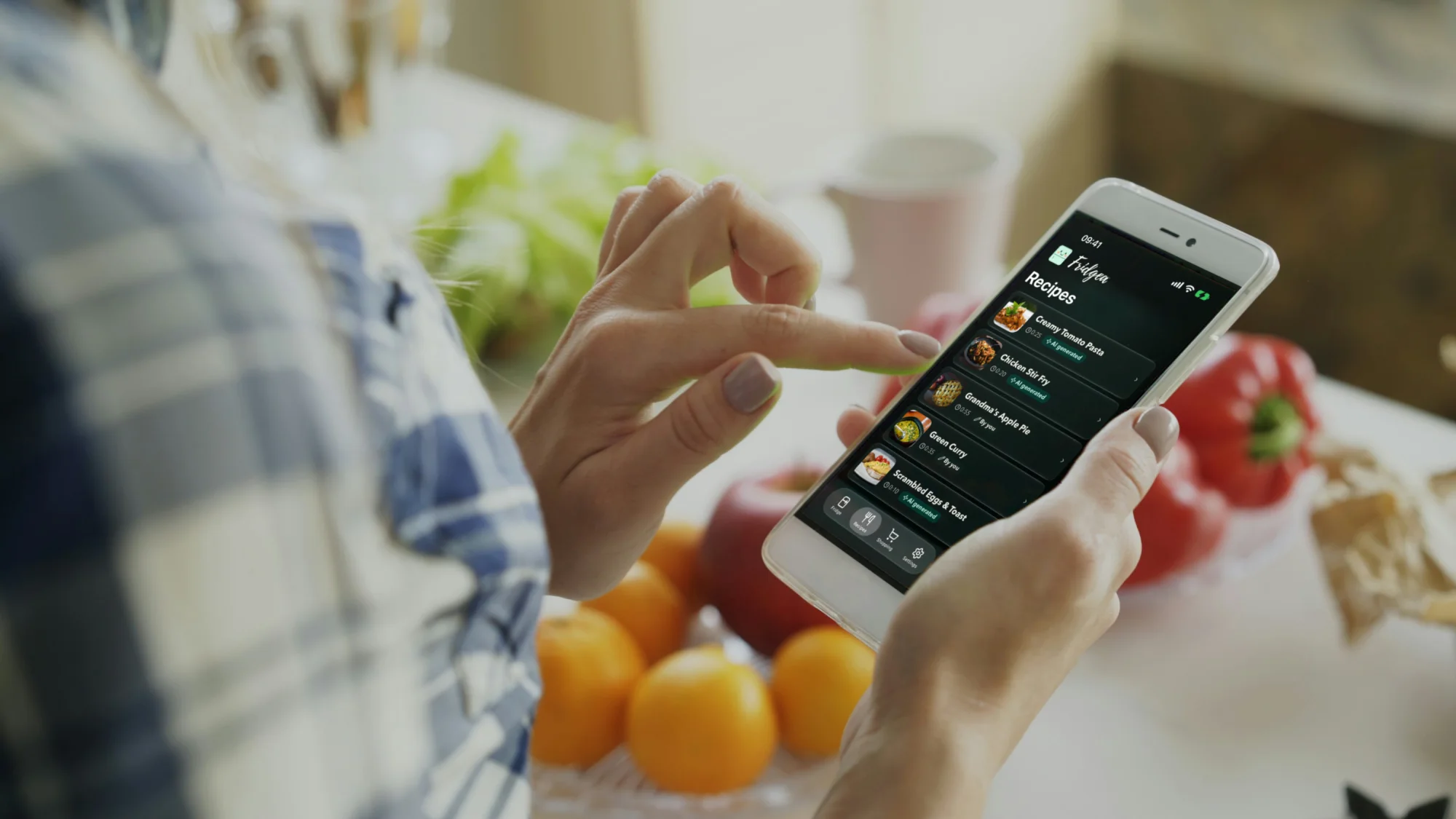
Why a fridge inventory app is worth trying
Most food doesn't get thrown away because people don't care. It gets thrown away because it's out of sight. The yoghurt behind the jar of pickles, the half bag of spinach in the bottom drawer, the cheese someone else opened. The UNEP Food Waste Index Report 2024 puts household food waste at about 79 kg per person per year as a global average, and some of that is food that was simply forgotten.
A good food expiration tracker app fixes the "out of sight" problem. You see what you have, what's expiring soon and what you need to buy, without opening the fridge door and staring.
The catch is that any tracker is only as good as the data in it. If adding food is a chore, the list gets out of date within a week, and an out-of-date list is worse than no list at all. That's why the first thing to check is the input.
How easy is it to add food?
This is the single biggest factor. Picture yourself coming home with four bags of shopping. Are you going to type in 23 items one by one? Probably not.
Look for an app that offers several ways to add food, because different situations call for different methods:
| Method | Best for |
|---|---|
| Receipt photo | A whole shopping trip in one go |
| Barcode scan | Packaged items, one at a time |
| Voice | Quick additions while your hands are full |
| Importing a list | When you already keep shopping lists in a notes app |
| Typing | Loose produce, leftovers, homemade food |
Does it suggest dates and storage?
Typing in an expiry date for every item gets old fast. Better apps suggest where an item usually goes (fridge, freezer, pantry) and how long it usually keeps. That gives you a sensible starting point.
Just remember these are typical ranges, not guarantees. How long food actually lasts depends on the product, the packaging and your fridge temperature. So check one more thing: can you edit the dates easily? If the printed date on the pack says something different, you should be able to fix it in a couple of taps.
Does it handle leftovers and opened items?
Leftover lasagne doesn't have a barcode. An opened jar of pesto has a different timeline from a sealed one. Make sure you can add things manually without jumping through hoops, and that you can change a date once something has been opened.
Expiry reminders: helpful or annoying?
Reminders are the whole point of an app to track food expiry, but they're also the fastest way to make you turn notifications off.
Things worth checking:
- One summary, not one ping per item. If six things expire on Thursday, you want one notification listing all six, not six separate buzzes.
- Adjustable lead time. Some people want a warning a day ahead, others want a week to plan meals around it. Being able to choose how many days ahead is ideal.
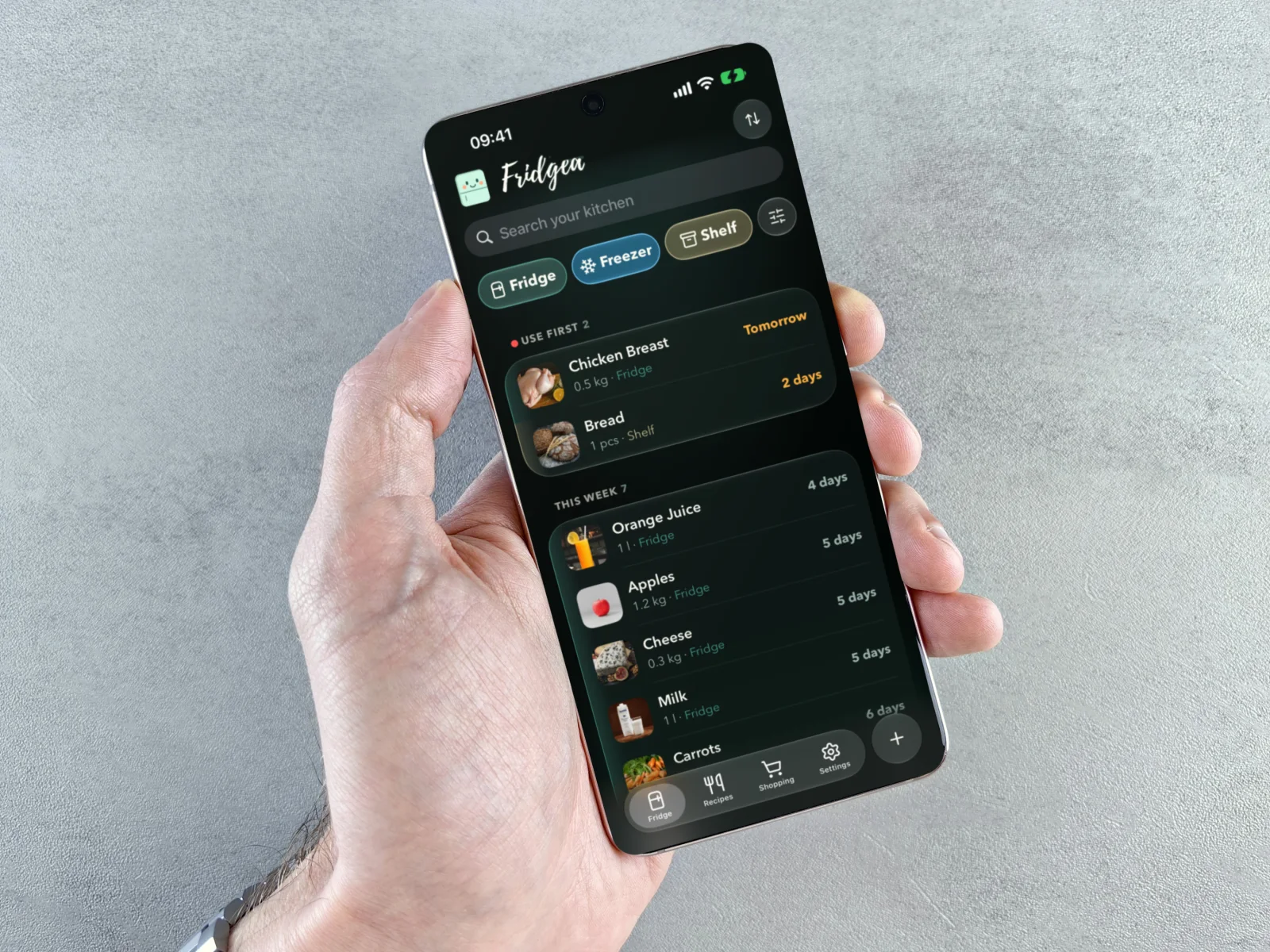
- Something you can glance at. A Home Screen or Lock Screen widget showing what's expiring soon often works better than notifications alone, because you see it without being interrupted.
A good reminder should feel like a friend saying "the chicken needs using tomorrow", not an alarm going off.
One more point: reminders tell you a date is close, not that food is safe or unsafe. "Best before" is mostly about quality, while "use by" is about safety, and the rules differ between countries. Your national food safety authority is the place to check the details. Trust your senses too: if something looks, smells or feels wrong, or you're simply unsure, remember the rule of thumb: when in doubt, throw it out.
Can the whole household use it?
If you live alone, skip this section. If you don't, it might be the most important one.
A fridge is shared space. If only one person updates the app, it drifts out of sync the moment someone else eats the last of the hummus or buys more milk. Look for:
- A shared fridge, so everyone sees the same items and changes appear in real time.
- Shared shopping lists, so whoever's at the shop can see what's needed and tick things off.
- Low friction for invited people. If your partner or housemates have to create an account, verify an email and pay for their own subscription, they probably won't bother.
Privacy: where does your data actually live?
What's in your fridge doesn't sound sensitive, but it says a fair bit about your household, your diet and your shopping habits. It's worth asking a few questions:
- Do you need an account? Every account is another email address and password stored somewhere.
- Where is your data stored? Some apps keep everything on their own servers. Others store it in your own cloud storage, such as iCloud on Apple devices.
- What gets sent elsewhere? Features like receipt scanning or voice input often need to send a photo or text to an outside service to process it. A good app tells you plainly what's sent, to whom and why.
Read the privacy policy before you start, especially if you plan to scan receipts. If it's vague or hard to find, that tells you something.
Does it work on your phone?
This sounds obvious, but check it before you get attached. Some apps are iPhone only, some Android only, some are web apps. If your household mixes platforms, a shared fridge only works if everyone can install the app.
If you're looking for a pantry tracker for iPhone specifically, look for apps that make use of iOS features: widgets on the Home Screen and Lock Screen, Live Activities, and iCloud sync between your iPhone and iPad. These small touches are what make an app feel like part of your routine rather than something you have to remember to open.

Does it help you use the food, not just track it?
Knowing that you have half a courgette, two eggs and some feta expiring tomorrow is useful. Knowing what to make with them is more useful. Apps that suggest recipes from the ingredients you already have, and send the missing ones straight to your shopping list, close the loop between "what's in the fridge" and "what's for dinner".
Where Fridgea fits
We built Fridgea with this checklist in mind, so here's how it lines up, briefly:
- Adding food: snap a receipt to log a whole shopping trip, scan a barcode, say it, import a list from Apple Notes, or type it. Fridgea suggests where each item goes and how long it usually keeps, and you can always edit the dates.
- Reminders: you pick 1 to 7 days ahead, and you get one notification listing everything expiring that day. There's also an Expiring Soon widget for the Home Screen and Lock Screen. More on how expiry reminders work.
- Sharing: share the fridge and shopping lists over iCloud. Invited people don't need an account or a subscription of their own.
- Privacy: no account needed. Your data stays in your own iCloud, and Fridgea doesn't keep your fridge on its servers. Receipt scanning, voice input and AI recipes send the receipt photo, spoken text or chosen ingredients to Google's Gemini AI only to process that request. The details are in the app privacy policy.
- Platform: iPhone and iPad only, iOS 18.6 or later. There's no Android version, so it's not the right pick for households that mix iPhone and Android.
There's a free plan you can try before deciding. The full list is on the features page, and if you want to see how different types of apps compare, there's a guide to the best fridge inventory apps.
FAQ
What is a fridge inventory app?
It's an app that keeps a list of the food you have at home, along with expiry dates, and reminds you before things go off. Most also include shopping lists, and some suggest recipes based on what you already have.
What's the fastest way to add groceries?
Photographing your receipt is usually quickest, because one photo can cover a whole shopping trip. Barcode scanning works well for single packaged items, and voice is handy when your hands are full.
Can a food expiration tracker app tell me if food is safe?
No. It can remind you that a date is coming up, but storage times vary with the product, packaging and temperature. Check the label, use your senses, follow your national food safety authority's guidance, and when in doubt, throw it out.
Is Fridgea available on Android?
No. Fridgea runs on iPhone and iPad with iOS 18.6 or later. There's no Android or web version.
Do family members need their own account to share a fridge?
Not with Fridgea. Sharing works over iCloud, and the people you invite don't need an account or a subscription of their own.